For DaVinci Resolve
Captions in
one click.
Aster captions your whole video inside DaVinci Resolve, every word on the frame you say it. Then make words big, change how they move and add your own sound effects.
Buy Aster · $69Launching this week. The first 100 pay $69, not $99.
One email at launch, the odd update before it. Unsubscribe any time.
The first 100 pay $69, then $99. Mac only for now. On Windows?
00 Go on
Press it.
Every key goes down. Drag it round to see the back.
01 Timing
Every word lands when you say it.
Resolve writes down every word for Aster, on your Mac. You never type a timing.
02 Editing
Change anything, right on the picture.
Drag it, resize it, or change just one word.
03 Big text
One switch makes a line big.
Six layouts. One click each.
04 Motion
Change the animation with one key.
Seven ways in, seven ways out. Turn the knobs until it looks right.
05 Sound
Your own sound effects, on the word.
Add your sounds once. Aster places them for you.
06 Styles
Style one line. Paste it on the rest.
Then save it for the next edit.
Filmed in Aster
Here it is, on a real edit.
No mock-ups. Every clip below was filmed from Aster on my own footage: the panel on the left, what lands in your DaVinci timeline on the right.
Captions
One press captions the whole video.
Press Caption this video. DaVinci Resolve listens on your Mac and writes every word down, and Aster turns them into captions, each word on the frame you say it.
- More than 20 languages, or let Resolve tell
- Already made subtitles? Aster uses yours
- Nothing is uploaded: it all happens in Resolve
Editing
Change it right on the picture.
Click a line to choose it. Drag it where you want it, pull its corner to make it bigger, double-click a word to retype it. Every change can be undone.
- Lines snap to the middle, the safe area and each other
- One word on its own: its size, colour and timing
- Undo and Redo for everything, with ⌘Z
Big text
One key makes a line big.
Big text builds the line round its biggest word. Pick a layout and Aster sizes the big and small words for you, inside the safe area, clear of the app's buttons.
- Six layouts: Over, Centre, Left, Beside, One line, Plain
- 22 font pairings, or any font on your Mac
- Any word can be the big one
Moving styles
Styles that move with your voice.
Select sweeps a blue text selection across the big word. Highlight sweeps a colour from your video in behind it. Typewriter types each word out as you say it. Shine makes the letters catch the light.
- Six moving styles: Simple, Box first, Typewriter, Select, Highlight, Underline
- On the whole line, or only on the words you choose
- Shine starts in orange; change the colour after
Motion
Choose how every word arrives.
Nine ways in and seven ways out, one key each. Add Bounce, Flicker or Flash to the big word. Only the words move: your video is never touched.
- In: Rise, Fall, From left, From right, Focus, Fade, Pop, Box first, Typewriter
- Out: Cut, Fade, Rise away, Fall away, To the left, To the right, Blur away
- Every line, or just the ones you choose
Sound
Sound effects, placed for you.
Aster puts a sound on each big word as it lands, on a track of its own, so your own audio is never touched. Each moving style has its own sound too.
- 17 sounds built in
- Your own sound files, set once for every video
- Switch any line's sound on or off
Your styles
Style one line. Paste it on the rest.
Copy style picks up everything about a line: its fonts, colours, motion and sound. Click the lines it should go on. Save it, and the next video starts in your last look.
- Your own saved styles, in every video
- Start each video in your last look
- Five ready-made looks to start from
Any shape
Vertical, square or wide.
Aster reads the shape of your timeline and sizes and places every caption for it: clear of the app's buttons on a Reel, a lower third on a YouTube video.
- 9:16, 4:5, 1:1 and 16:9
- Captions sized and placed for each shape
- A vertical timeline inside a wide project works too
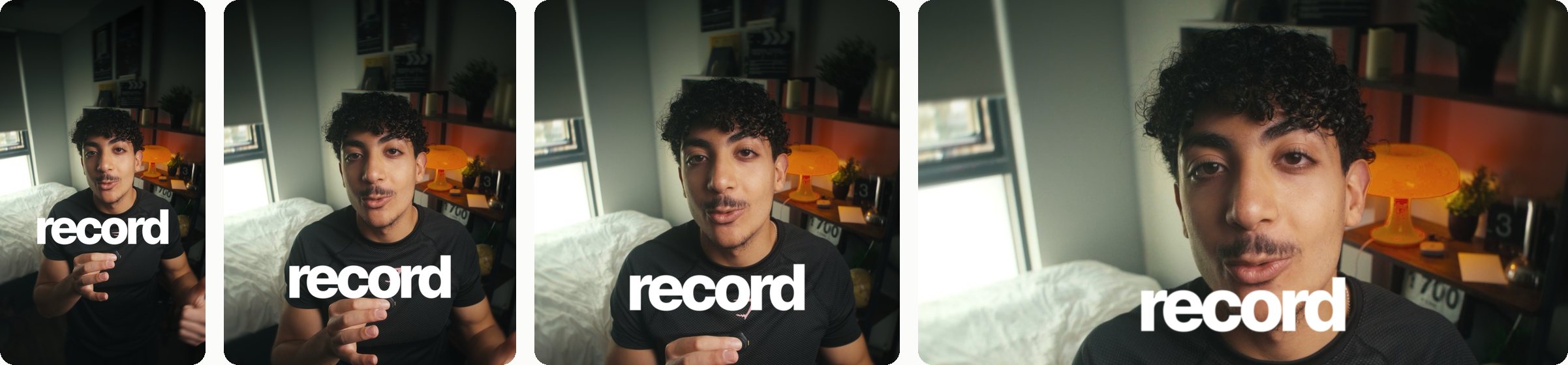
No. 001 From a tester
“I’ve been using captions.ai for my shorts, and Aster can most definitely replace that.”
“The captions look amazing straight away, and the amount of customisation for each title is incredible.”
Resolve Studio 21.1.1
No. 002 From a tester
“Aster is really nice, and the big text feature is 🔥”
Resolve Studio 21
07 Why it exists
My own captions pack was not enough.
I sold two caption packs and still did the same work by hand on every video. Aster is the tool I wanted instead. Amro Omar
- Needs
- DaVinci Resolve Studio on a Mac. Not the free version. Version 21.1 or later has everything; on an older version Aster also needs Python 3, which it installs for you from python.org.
- Reads
- Resolve's own subtitles, made for you if there are none yet. No second plugin.
- Runs
- On your machine. Aster has no AI and uploads nothing. It needs the internet once, to activate your key.
- Pay
- Once. No subscription.
08 What it costs
One payment. Yours to keep.
- The whole panel, every tool
- Free updates for version 1
- Your unit's number, shown inside the panel
- Money back within 14 days if it does not work on your machine
Opens this week. You need DaVinci Resolve Studio (the paid version) on a Mac.
One email at launch, the odd update before it. Unsubscribe any time.
You need DaVinci Resolve Studio (the paid version) on a Mac. On Windows?
09 Questions
Before you ask.
Does it work with DaVinci's own auto subtitles?
Yes, that is exactly what it uses. If your timeline has none yet, press Caption this video: Resolve Studio listens and writes every word down (its own Create Subtitles from Audio), then Aster captions them. Subtitles you made yourself are used as they are. There is no second plugin to install.
Does it come with sound effects?
It comes with a few built-in sounds, and you can add your own files. Either way Aster places them on the words for you.
Does it work in the free version of DaVinci Resolve?
No. Resolve only lets panels like this run in Studio, the paid version.
Windows?
Not at launch. Aster is Mac only for now. If you're on Windows, flip "I'm on Windows" when you join: it tells me how many of you there are.Not yet. Aster is Mac only for now. Leave your email and you'll hear the day it runs on Windows.
Premiere, Final Cut or CapCut?
No. DaVinci Resolve only.
Does it work on horizontal video?
Yes. Vertical 9:16, 4:5, square and 16:9: Aster reads the shape of your timeline and puts captions and big text where that shape needs them, in a lower third on a wide frame.
Is it a subscription?
No. One payment: $69 for the first 100 units, $99 after that.
Does it use AI, or need the internet?
Aster itself has no AI. It needs the internet once, to activate your licence key; after that it works offline. When a video has no subtitles yet, it asks Resolve Studio to make them with Resolve's own transcription, on your Mac.
How many Macs can I use it on?
Two. Your key works on two Macs at once. Moving to a new one: press Free this Mac in Aster's Settings, or free it from your account, then activate the new Mac.
Can I use my own fonts?
Yes. Any font installed on your computer.
Do I get updates?
Yes. Updates for version 1 are free.
What if it does not work for me?
You get your money back within 14 days.